IPTV 8K Explained: Requirements, Live Sports & Flix Setup
Ultra-high-definition streaming promises four times the detail of 4K. Before you subscribe, discover what modern high-bitrate broadcasts actually deliver, which hardware decoders and internet speeds you need, and how to optimize apps like Flix IPTV for live sports.

What Is IPTV 8K?
IPTV 8K delivers television over the internet with four times the pixels of 4K. According to standard 8K resolution standards on Wikipedia, 8K displays 7680 × 4320 pixels (roughly 33 million pixels per frame). That provides four times the pixel density of 4K and sixteen times standard Full HD.
Video streams reach your screen through media players using M3U playlist URLs or Xtream Codes logins. Because digital data travels over home broadband, stream fluidity depends heavily on connection bandwidth, hardware decoding, and server stability.
Resolution Comparison: 8K vs 4K vs Full HD
| Format | Pixel Count | Typical Bitrate | Recommended Speed |
|---|---|---|---|
| Full HD (1080p) | 2 Million | 5–8 Mbps | 15 Mbps |
| 4K UHD (2160p) | 8 Million | 15–25 Mbps | 40 Mbps |
| Next-Gen 8K | 33 Million | 50–100 Mbps | 100+ Mbps (Wired Ethernet) |
Hardware Requirements for IPTV 8K
1. Reliable Internet Speed
Plan on at least 100 Mbps for high-resolution feeds. You can test your connection speed with Speedtest by Ookla. Whenever possible, link your Smart TV or Android box with an Ethernet cable instead of Wi-Fi to eliminate packet drops during peak viewing hours.
2. Native Display Panel
To enjoy native resolution, you need a television with a true 8K panel. On standard 4K televisions, high-resolution feeds are automatically downsampled, which still delivers a cleaner picture with reduced compression artifacts.
3. Hardware Codec Decoding
High-bitrate streams require hardware acceleration for HEVC (H.265) or AV1. Modern streaming sticks (like Fire Stick 4K Max or Apple TV 4K) decode these easily without frame drops.
Flix IPTV Optimization for High Bitrates
Flix IPTV is one of the smoothest apps for Samsung Tizen OS and LG webOS. When watching live football or motorsport:
- Increase Buffer Duration: Inside Flix settings, set your stream buffer to Large (3 to 5 seconds) to prevent intermittent buffering spikes.
- Enable Hardware Decoding: Make sure the video player engine is set to hardware mode to utilize your TV's graphic processor.
- Upload via MAC Address: Upload your M3U playlist through the official Flix IPTV portal or follow our Flix IPTV setup guide to organize sports and entertainment categories automatically.
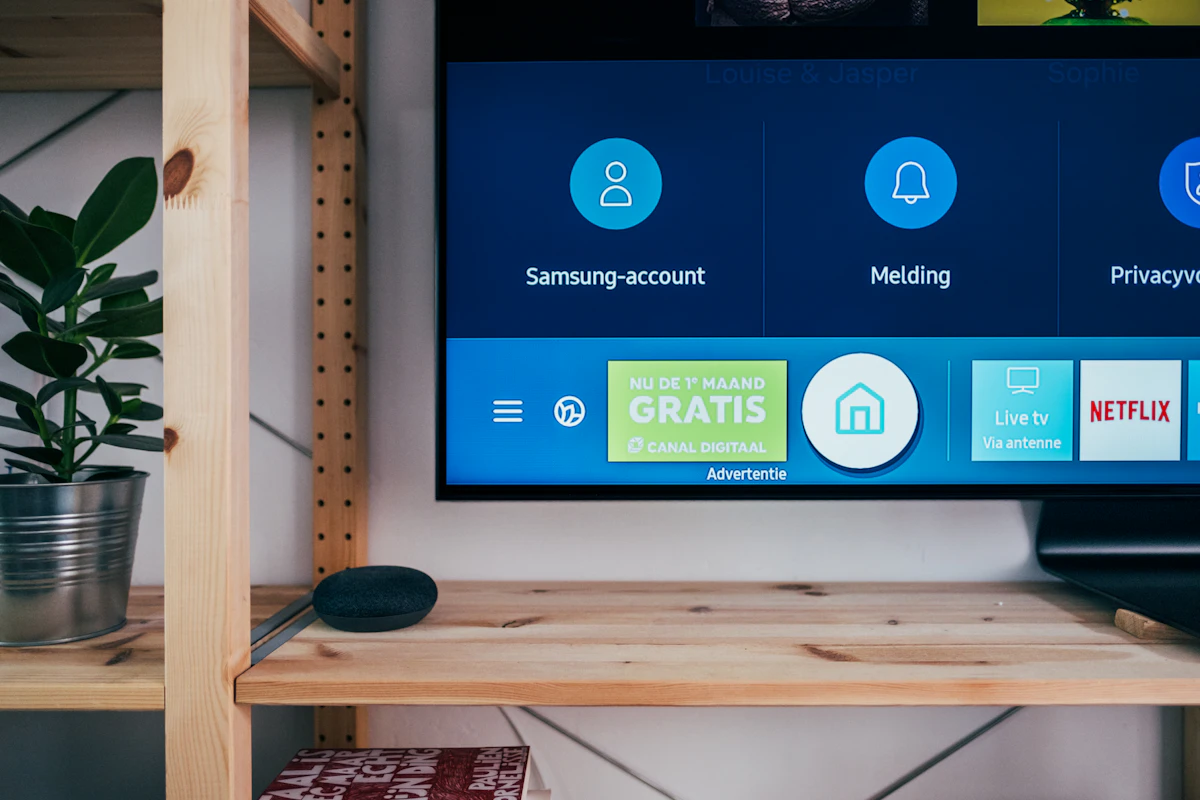
The Reality of 8K Broadcasts: True 8K live broadcasts remain limited to special tournament trials in 2026. Most premium channels broadcast in uncompressed 4K or 1080p at 60 FPS. An 8K-ready subscription guarantees maximum bitrates today and future compatibility tomorrow.
Subscription Plans & Pricing
Get instant activation on all devices with full 4K and 8K-ready live sports channels:
- 4K & 8K-Ready Channels
- All Live Sports in 60FPS
- Flix IPTV & Smarters
- 24/7 WhatsApp Support
- 4K & 8K-Ready Channels
- All Live Sports in 60FPS
- Flix IPTV & Smarters
- 24/7 WhatsApp Support
- 4K & 8K-Ready Channels
- All Live Sports in 60FPS
- Flix IPTV & Smarters
- 24/7 WhatsApp Support
- 4K & 8K-Ready Channels
- All Live Sports in 60FPS
- Priority Server Route
- VIP WhatsApp Support
Ready for Buffer-Free Streaming?
Message our team on WhatsApp for instant activation and configuration assistance on Flix IPTV.
Order on WhatsAppFrequently Asked Questions
How much internet speed is needed for stable streaming?
Around 15 Mbps for Full HD, 40 Mbps for 4K sports, and 100 Mbps with a wired connection for uncompressed high-bitrate feeds.
Can I watch on a standard 4K TV?
Yes. The television downsamples high-resolution feeds cleanly, giving you deeper color depth and higher bitrates than standard broadcasts.
Does Flix IPTV support sports replay and catch-up?
Yes. Flix IPTV supports electronic program guides (EPG) and catch-up channels depending on provider availability.
Why do streams buffer during big matches?
Buffering usually stems from Wi-Fi interference or low app cache. Using an Ethernet cable and increasing Flix IPTV buffer size fixes most issues.
2 Responses